HR Software & HRMS
HR Software for Small Businesses What Features Should You Look For?
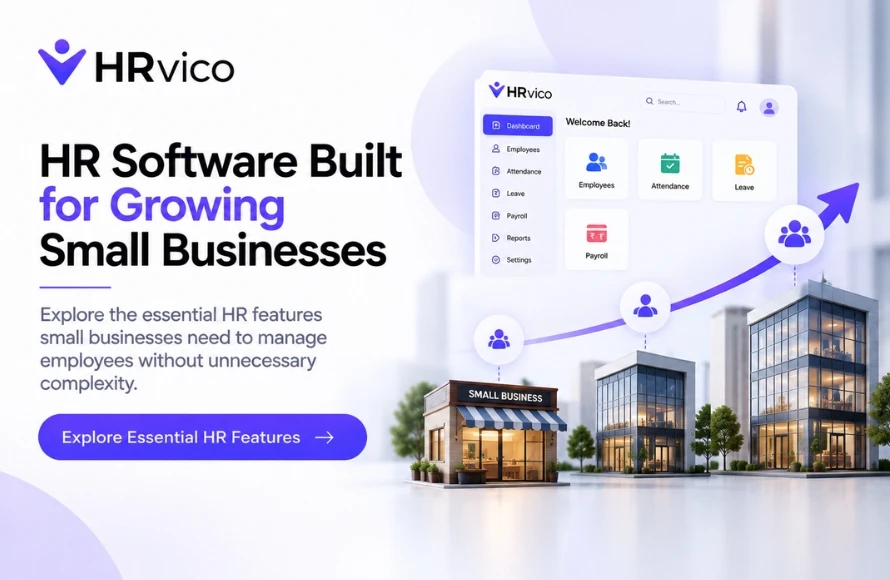
For a small business, HR may initially be managed through Excel sheets, emails, folders and manual follow-ups. This can work when the team is small, but as employees increase, keeping everything organized becomes more difficult. HR software can help small businesses bring important HR activities into one structured system without relying on multiple spreadsheets and scattered records. The key is choosing software with features that solve real HR problems rather than paying for unnecessary complexity. Employee information is one of the most important areas HR needs to manage. Look for software that can help HR maintain organized employee profiles and relevant information in one place. This can make it easier to find, update and manage employee records as the team grows. Attendance tracking can become time-consuming when it is handled manually. Small businesses should look for an HR system that provides a practical way to record and manage attendance. Depending on the software, this may include attendance records, working hours and related reports. A structured attendance system can reduce the need for maintaining separate attendance sheets. Leave requests are another everyday HR activity that can become difficult to manage through messages, emails or spreadsheets. Useful leave management features may allow employees to submit requests while HR or managers can review and manage them from the system. Look for a process that makes leave balances, requests and approvals easier to track. Small businesses still need to manage important employee documents such as joining documents, identification records and other HR-related files. HR software with document management capabilities can help organize these documents alongside employee records. This can reduce the time HR spends searching through different folders and email conversations. Not every employee request needs to go through HR. Employee self-service features can allow employees to access or update certain information themselves, depending on the software. For a small HR team, this can be useful because it reduces routine queries and gives HR more time for important work. A growing small business may hire employees regularly. An HR system can help create a more organized onboarding process by keeping employee information and required documents together. Depending on the software, HR may also be able to structure different onboarding activities within the system. Payroll becomes increasingly important as a business grows. When evaluating HR software, small businesses should understand whether the system includes payroll functionality or integrates with payroll processes. Check what is actually included in the selected plan instead of assuming every HR software provides the same payroll capabilities. Small businesses may not need complicated analytics, but basic HR reports can still be useful. Look for reporting features that help HR access information related to areas such as: ✓ Employee records Simple reporting can reduce the need to manually collect information from different files. Employee information should be managed carefully. HR software should provide appropriate user access and permissions based on the roles available in the organization. Before choosing a system, understand how HR, managers and employees can access different information. Small businesses often have limited HR resources, so software should not create additional complexity. An HRMS with an easy-to-understand interface can make adoption easier for HR teams, managers and employees. Before purchasing, consider requesting a demo or trial if available. Small businesses do not always stay small. A company with 20 employees today may have significantly more employees in the future. Therefore, the HR software should be able to support changing requirements as the organization grows. Consider whether the system can handle: ✓ More employees Budget is an important consideration for small businesses. Instead of choosing software only because it is inexpensive, compare the pricing with the features your business actually needs. Check: ✓ What is included in the plan The right software should provide useful HR capabilities without creating unnecessary costs. Every business has different requirements, but a practical HR software checklist can include: ✓ Employee management The priority should be solving current HR challenges while keeping future growth in mind. Small businesses sometimes select HR software based only on price or the number of features advertised. Avoid: ✓ Choosing software without identifying your HR requirements A simple requirements checklist can make the decision much easier. Small businesses across Delhi, Noida, Greater Noida, Ghaziabad and Gurugram are managing increasingly structured HR processes as their teams grow. For these businesses, HR software can provide a centralized way to manage employee information and everyday HR activities. The right system depends on the company's workforce size, processes, budget and future plans. If your small business is looking for an HRMS to organize everyday HR work, explore HRVico and its available capabilities. Explore HRVico's HRMS features to see how different HR processes can be managed from one platform. Check HRVico's pricing plans to explore options based on your organization's requirements. Contact the HRVico team to discuss your HR needs and find a suitable approach for your business.Why Small Businesses Need HR Software
1. Employee Management
2. Attendance Management
3. Leave Management
4. Employee Document Management
5. Employee Self-Service
6. Onboarding Support
7. Payroll-Related Features
8. HR Reports
✓ Attendance
✓ Leave
✓ Workforce information
✓ Other available HR data9. Access and Permissions
10. Easy-to-Use Interface
11. Scalability
✓ Additional HR processes
✓ Different teams or locations
✓ Increasing data and documentation
✓ Greater employee involvement12. Pricing That Fits the Business
✓ Employee limits
✓ Available features
✓ Upgrade options
✓ Additional charges, if applicable
✓ Future scalabilityWhat Features Should Small Businesses Prioritize?
✓ Attendance management
✓ Leave management
✓ Document management
✓ Employee self-service
✓ Onboarding support
✓ Payroll-related functionality
✓ HR reporting
✓ Access controls
✓ Scalability
✓ Easy usabilityCommon Mistakes Small Businesses Should Avoid
✓ Paying for features your team will not use
✓ Ignoring ease of use
✓ Not checking employee limits
✓ Overlooking permissions and data access
✓ Not understanding pricing plans
✓ Choosing software that cannot support future growthHR Software for Small Businesses in Delhi NCR
Explore HRVico for Your Business